Portraits & profile pictures
Create an illustrated headshot for a profile or personal bio. Ink emphasizes outlines; graphite gives facial shading a softer, more detailed finish.
Turn portraits, pet photos and favorite places into sketch-style artwork. Choose fine pencil lines, rich charcoal shading or a bolder graphic look, then create a drawing from your own photo.
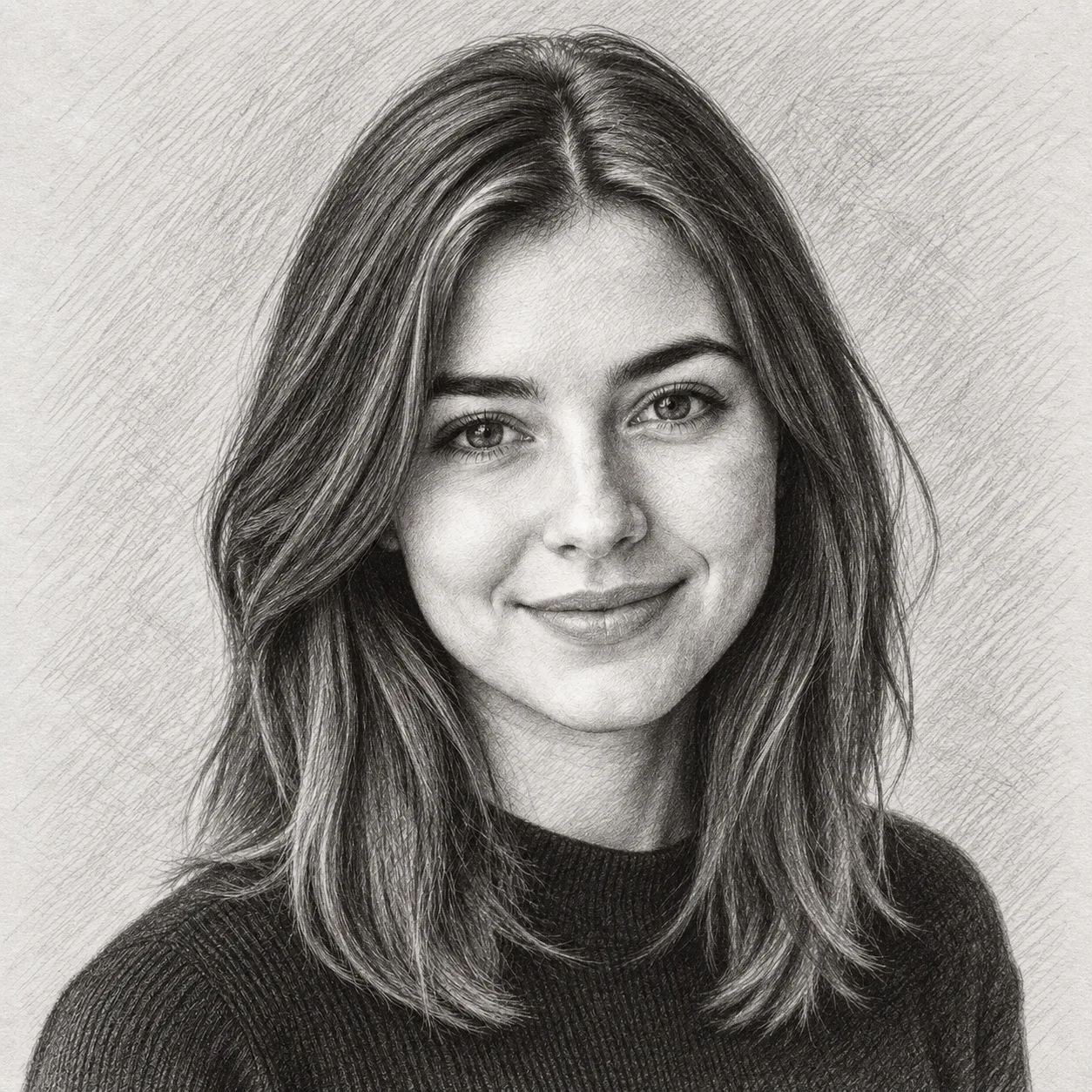
Pencil Sketch
Example effect · Drag to compare photos. Your own result is created after you generate.
Your photo is uploaded only when you generate.
Upload a photo first — or tap an example to try.
A new generation or version uses credits. Confirmed failed tasks return their deducted credits; purchase refunds follow the Refund Policy.
Your photos and works are private.
Compare the same portrait and pet photo across all eight effects. Pencil, charcoal, ink and graphite offer familiar drawing textures; blueprint, comic ink, chalk and etching explore more distinctive treatments.
Compare facial shading, hair detail and the treatment of the background.
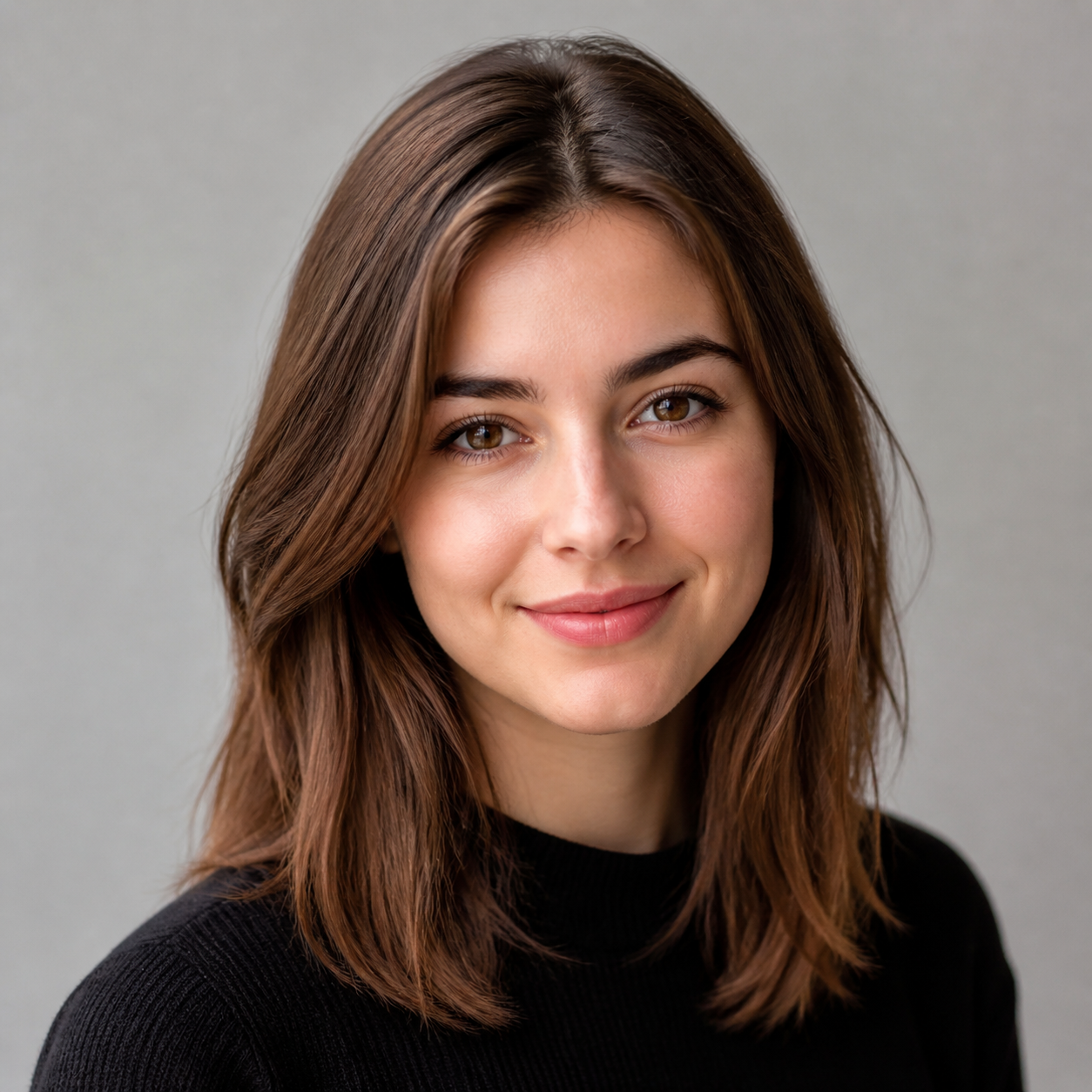
These are example outputs from the photos shown. AI can reinterpret facial features, fine details and backgrounds; your result will vary with the photo and style.
Start with what you want to make, then choose a style that suits the detail and mood of your photo.
Create an illustrated headshot for a profile or personal bio. Ink emphasizes outlines; graphite gives facial shading a softer, more detailed finish.
Turn a shared photo into a pencil drawing for a card or personal keepsake. Choose a photo where both faces are clear and check the result before printing.
Use graphite to explore fur detail or charcoal for stronger contrast. An eye-level photo with visible eyes and distinctive markings makes a useful starting point.
Use ink for building outlines or etching for a vintage travel-print look. These are artistic interpretations; small text and precise geometry may change.
Sign in and upload a clear photo. JPG, PNG and WebP are good choices; the upload limit is 10 MB.
Select one of eight styles and choose an aspect ratio. Add optional details if you want to guide the result, then check the credit estimate before generating.
Generate your sketch, inspect the result and download it. Change the style to try another treatment of the same photo; each new generation uses credits.
Use a sharp image with visible facial features or pet eyes. Blur and very small subjects leave less useful detail for the drawing.
Start with visible detail in both highlights and shadows. Strong shadows can suit charcoal, but heavily clipped areas may lose features.
Leave space around hair, ears and the subject. Choose an output aspect ratio close to the original when you want a similar composition.
AI may change likeness, lettering or background details. Inspect the downloaded dimensions and image quality before using a result in a print project.
Upload a photo in the generator above, choose a sketch style and generate. You can then download the result or select another style for a new generation. Signing in and sufficient credits are required to generate.
You can browse and compare the example sketches without generating. Creating your own sketch uses credits. The generator displays an estimate before you submit; check the pricing page for available plans.
Both imitate graphite-based drawing. The Pencil Sketch preset emphasizes visible strokes and cross-hatching; Graphite Drawing aims for smoother shading and more refined detail. The difference can be subtle and depends on the source photo.
Yes. All eight styles can be applied to pet photos, and the dog comparison above shows examples. Start with a clear photo of the eyes, fur and markings. Graphite and pencil are useful starting points for detail; charcoal gives a bolder treatment.
Not necessarily. This is AI image generation, so it can reinterpret facial features, poses and background details. Use the comparisons to judge the styles and review your own result, especially when likeness matters.
No. They are digital images inspired by those visual styles. Blueprint results are not measured engineering plans, and etching results are not physical engraved prints.
You can download the generated image and prepare it for printing. Check the actual pixel dimensions, crop and detail against your intended print size. A good screen preview does not guarantee a sharp large-format print.
Generation time depends on image processing and service demand. The generator shows progress while the request is running; completion time is not guaranteed.
See credit packages and photo generation rates on the pricing page.
Choose a look, upload your image and create your own version.