
Text to image
Coffee weekend poster
A clear headline, event details and warm food photography in one editorial layout.
GPT Image 23:41K
Describe your idea or add reference images. Choose a model, preview the credit cost, and create.
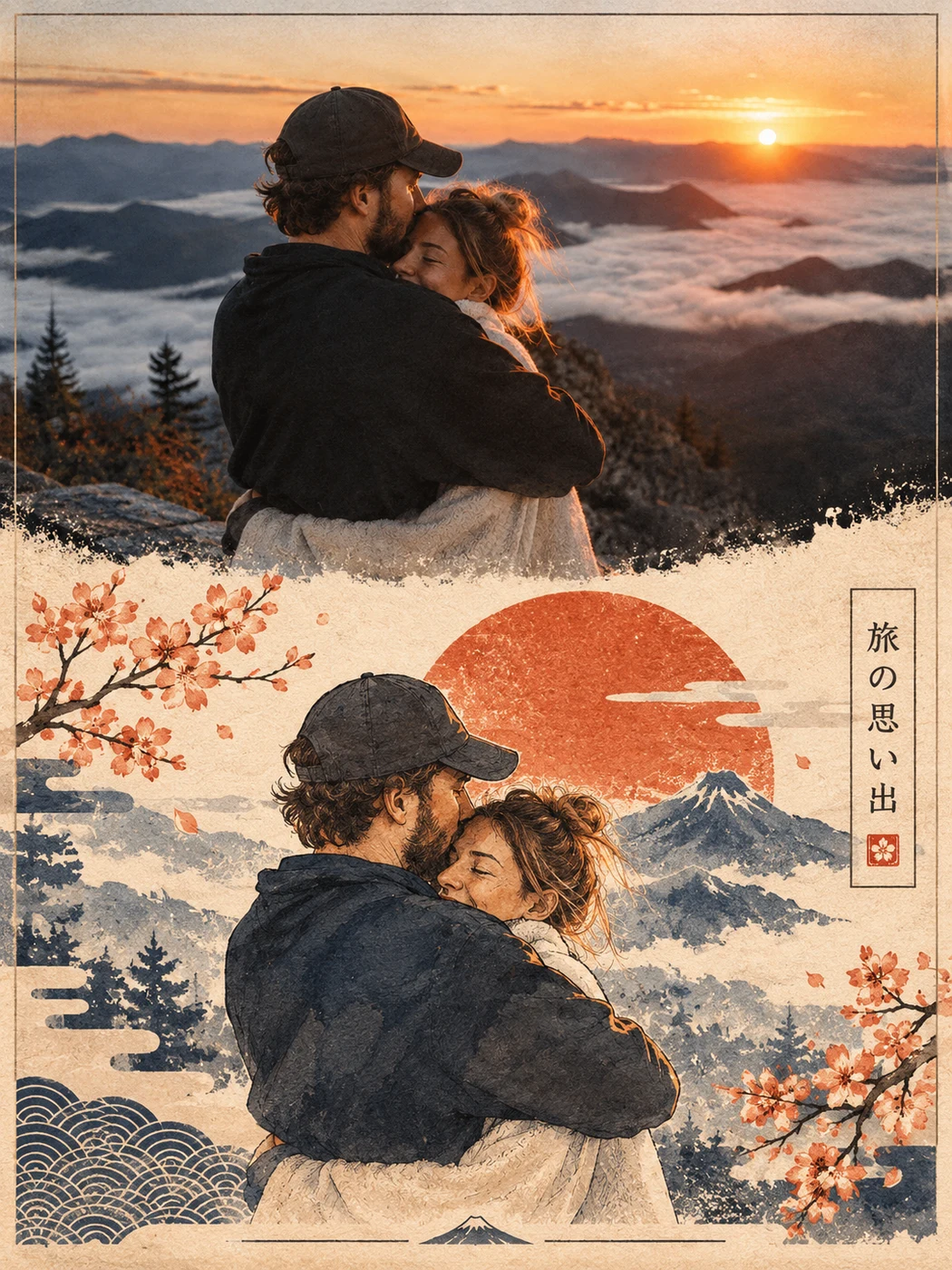
A trip turned into a travel poster
GPT Image 2 · 3:4 · 1K
Explore posters, product photography, character art and photo transformations. These examples were generated with GPT Image 2, using the prompts and settings shown below.
Text to image
A clear headline, event details and warm food photography in one editorial layout.
GPT Image 23:41K
Text to image
Amber glass, textured stone and directional light for a product campaign.
GPT Image 24:31K
Image to image
A photograph and an illustrated scene share a carefully arranged portrait composition.
GPT Image 23:41K
Image to image
Turn a group photo into a bright, friendly illustration with visible pencil texture.
GPT Image 21:11K
Image to image
A portrait becomes a big-headed character with a small body and a custom caption.
GPT Image 21:11K
Image to image
Change the setting and styling while using the uploaded face as a reference.
GPT Image 24:51K
Each example includes the prompt and settings used to create it. Use a prompt as a starting point; results vary. Reference-based examples need an uploaded image. Review the currently available model, settings and credits before generating.
Text to image works well when you want a new scene. Describe a subject, setting and visual style: a coffee campaign, a product still life, an illustrated character or a landscape. Add exact wording in quotes when text belongs in the image.
Create a premium photorealistic perfume advertising photograph in a landscape 4:3 composition. A single elegant rectangular perfume bottle made from thick clear glass, filled with pale amber liquid and topped with a simple matte dark-brown cylindrical cap, rests on a warm ivory travertine plinth. The bottle has no label or branding. Include a small curl of fresh bergamot peel and one delicate woody botanical sprig as restrained fragrance-note accents, arranged naturally without clutter.
Low golden afternoon sunlight passes through the liquid and heavy glass, casting believable warm amber caustics and a long soft-edged shadow across the stone. Show realistic glass thickness, subtle surface reflections, a visible fine spray tube, the liquid meniscus, and tactile pores in the travertine. Use a sophisticated warm beige and deep amber palette with a softly shadowed plaster backdrop. A gentle out-of-focus botanical shadow adds depth to the background. The bottle is the unmistakable focal point, with elegant surrounding negative space and balanced asymmetrical styling.
Professional luxury product photography, three-quarter camera view, natural perspective, 85mm lens look, precise focus on the bottle, subtle depth of field, realistic highlights with preserved detail, rich yet restrained contrast. The scene should feel tactile, quiet, cinematic, and expensive, like a carefully lit editorial beauty campaign. No text, no logos, no watermark, no people, no extra bottles, no floating objects, no surreal geometry, no plastic CGI appearance.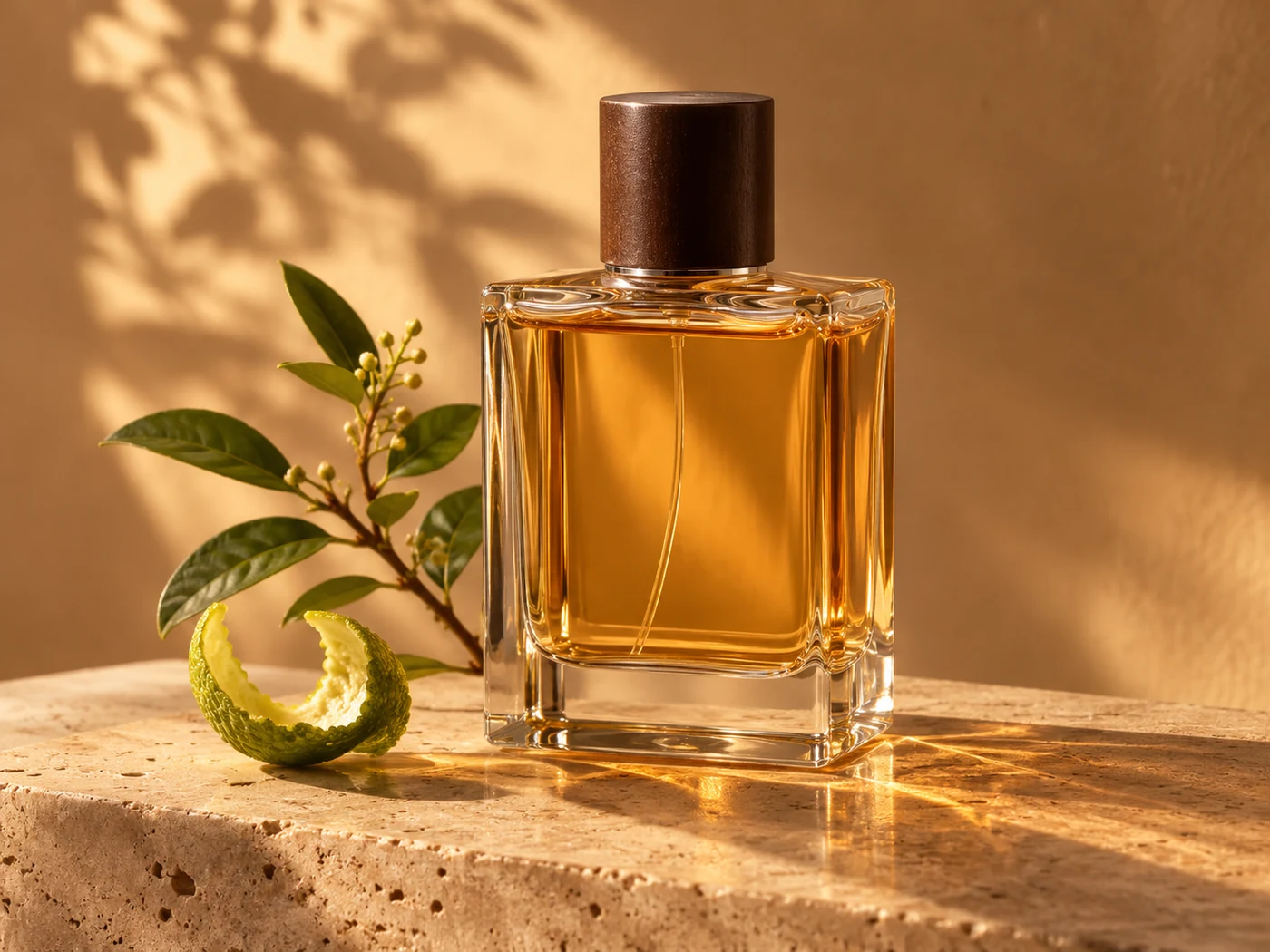
Image to image gives the model a visual starting point. Upload a portrait, product or travel photo, then describe the transformation. Tell it which details to preserve, such as facial features, clothing or the subject’s position. The result is a new interpretation, not a pixel-identical edit.
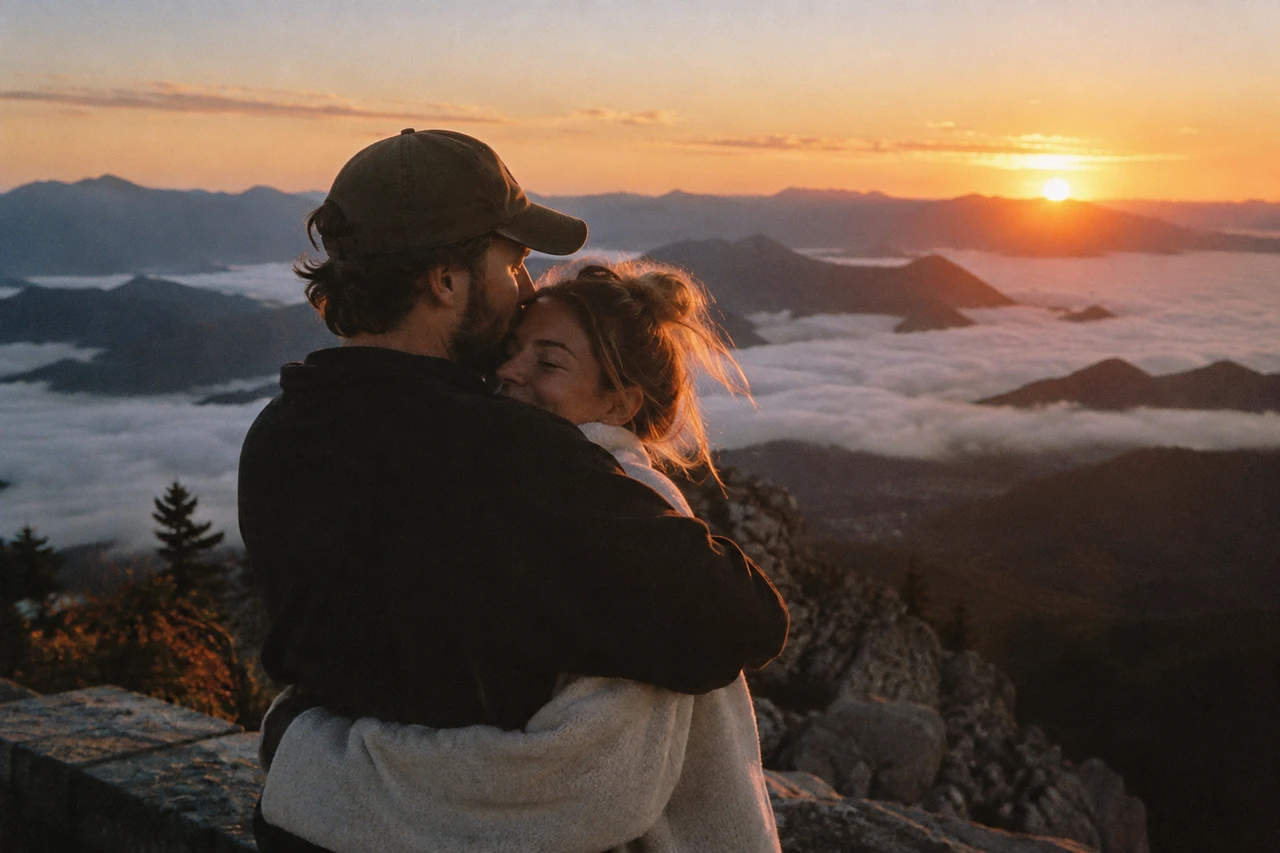
Select Text to Image, or choose Image to Image and upload a reference photo.
Write a prompt or use an example below the generator. Include the details that matter most.
Choose a model and review the available ratios, resolution and output count in the workbench. Check the CR amount.
Sign in and generate. Follow the task in your workspace, then preview and download the finished image.
GPT Image 2 is the default starting point. The model picker and settings show the current server-managed catalog, so available settings can change with the model.
Explore image settingsA useful starting structure is subject + setting + composition + lighting + style. Be specific about a few important details rather than adding conflicting instructions.
Name the subject, materials and surroundings. “Amber glass on porous ivory stone” gives clearer direction than “a beautiful product photo.”
State portrait or landscape composition, the amount of negative space and the exact text in quotes. Check spelling in the generated result.
For a reference photo, say what should stay recognizable and what should change. Adjust one part of the prompt at a time when refining a result.
The CR amount depends on the selected model, resolution, image count and any other settings used by that model. Changing those settings requests an updated quote from the server; there is no single price for every image.
For usage-based tasks, the quote shows the amount reserved before generation. Unused credits are returned after final billing. Review the amount before submitting, and check your work’s billing status after completion.
View credit plansIt creates a new image from a text description or a reference image. On VFilter, you can choose between text-to-image and image-to-image workflows and adjust the options supported by your selected model.
Yes. Choose Image to Image, upload a photo and describe the desired style. The travel poster and colored-pencil examples show two approaches. Keep any important preservation instructions in your prompt.
GPT Image 2 is the default on this page and produced the examples shown here. You can select another currently available model in the picker; review its supported settings and credit quote before generating.
The workbench shows the ratios, resolutions and output counts supported by the selected model. Support differs between models, so a specification shown on one example may not be available with another model.
No. Use this prompt fills the generator with its prompt and supported settings. You still need to upload an image for reference-based examples and explicitly press Generate to start a task.
You can browse examples and explore the generator before signing in. Generating and saving work requires an account and sufficient credits.
No. AI generation can vary even with the same prompt and settings. Use examples to guide the subject, style and composition, then refine the prompt for your own result.
Check the applicable model terms and VFilter’s Terms of Service for your intended use. You are responsible for having the necessary rights to uploaded photos, logos and other reference material.