
Portraits with a softer mood
Turn a personal photo into an illustration for a profile or digital keepsake. A clear face and balanced light give the model more detail to work with.
Bring expressive brushwork to a portrait, soften a pet photo with watercolor, or turn a favorite view into a painted memory. Choose from 11 styles, with original photos beside the results so you can see what changes.
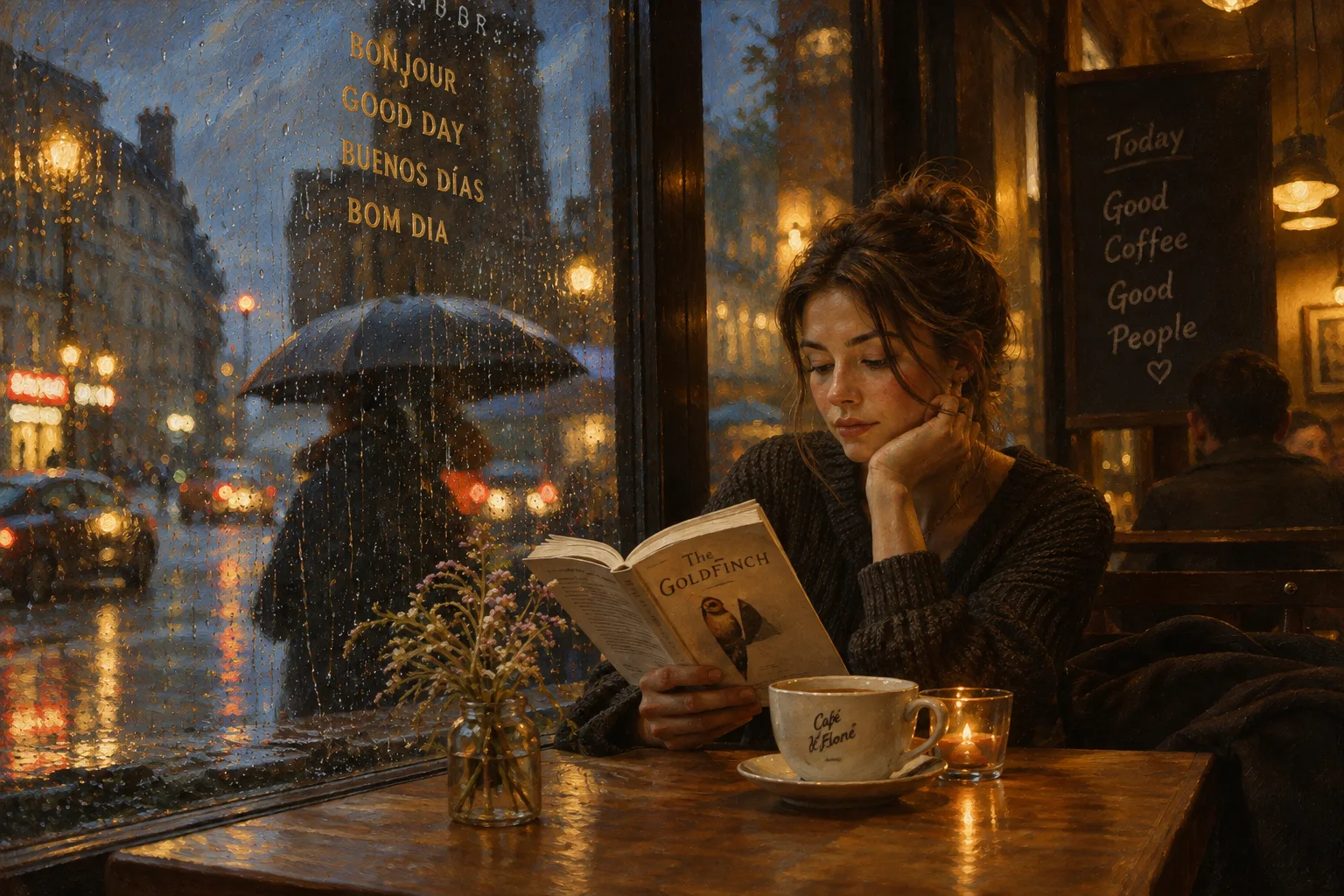
Classical Oil
Example effect · Drag to compare photos. Your own result is created after you generate.
Your photo is uploaded only when you generate.
Upload a photo first — or tap an example to try.
A new generation or version uses credits. Confirmed failed tasks return their deducted credits; purchase refunds follow the Refund Policy.
Your photos and works are private.
The medium changes more than the colors. Oil styles emphasize paint texture and light; watercolor styles use translucent washes and the appearance of paper.
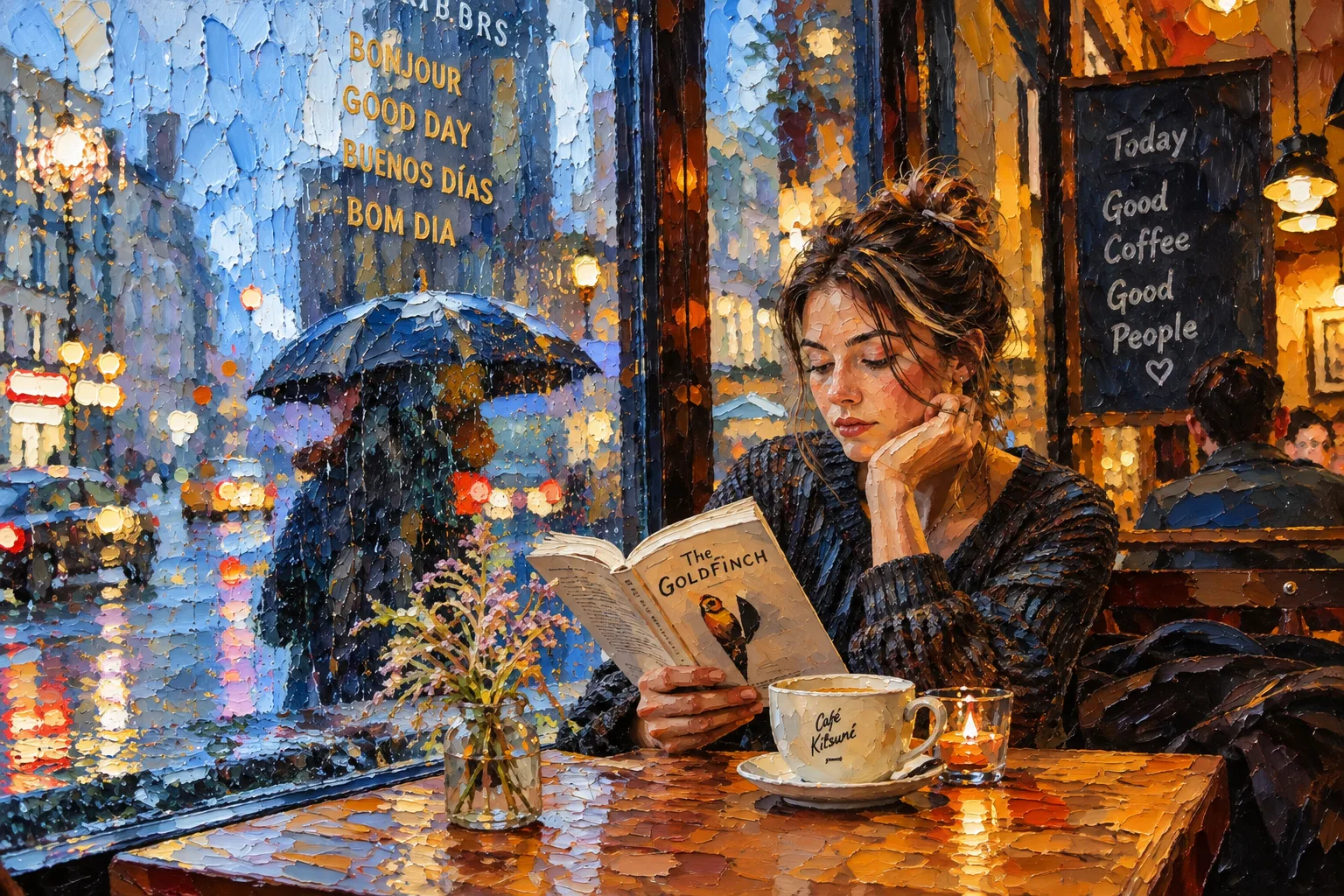
From smooth portrait shading to thick palette-knife marks, these seven styles give photographs the depth and texture of painted canvas.
Balanced light, deep shadows and a canvas-like finish.
Soft skin tones and delicate brushwork for clear portraits.
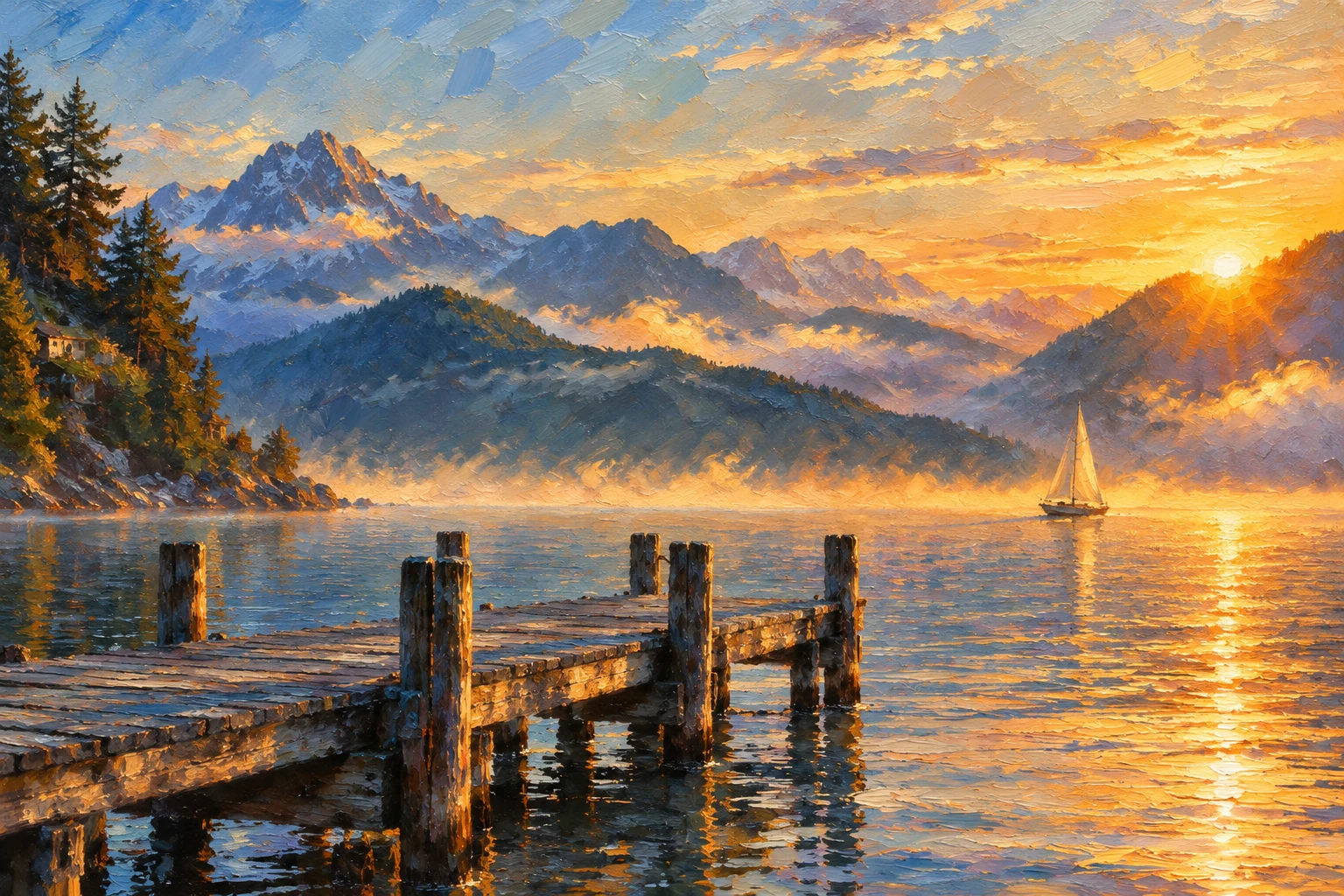
Broad strokes and golden light for scenery.
Thick-looking paint and bold blocks of color.
Dramatic light against deep, dark shadows.
Swirling strokes and vivid complementary colors.
Smoother blending and more detailed painted surfaces.
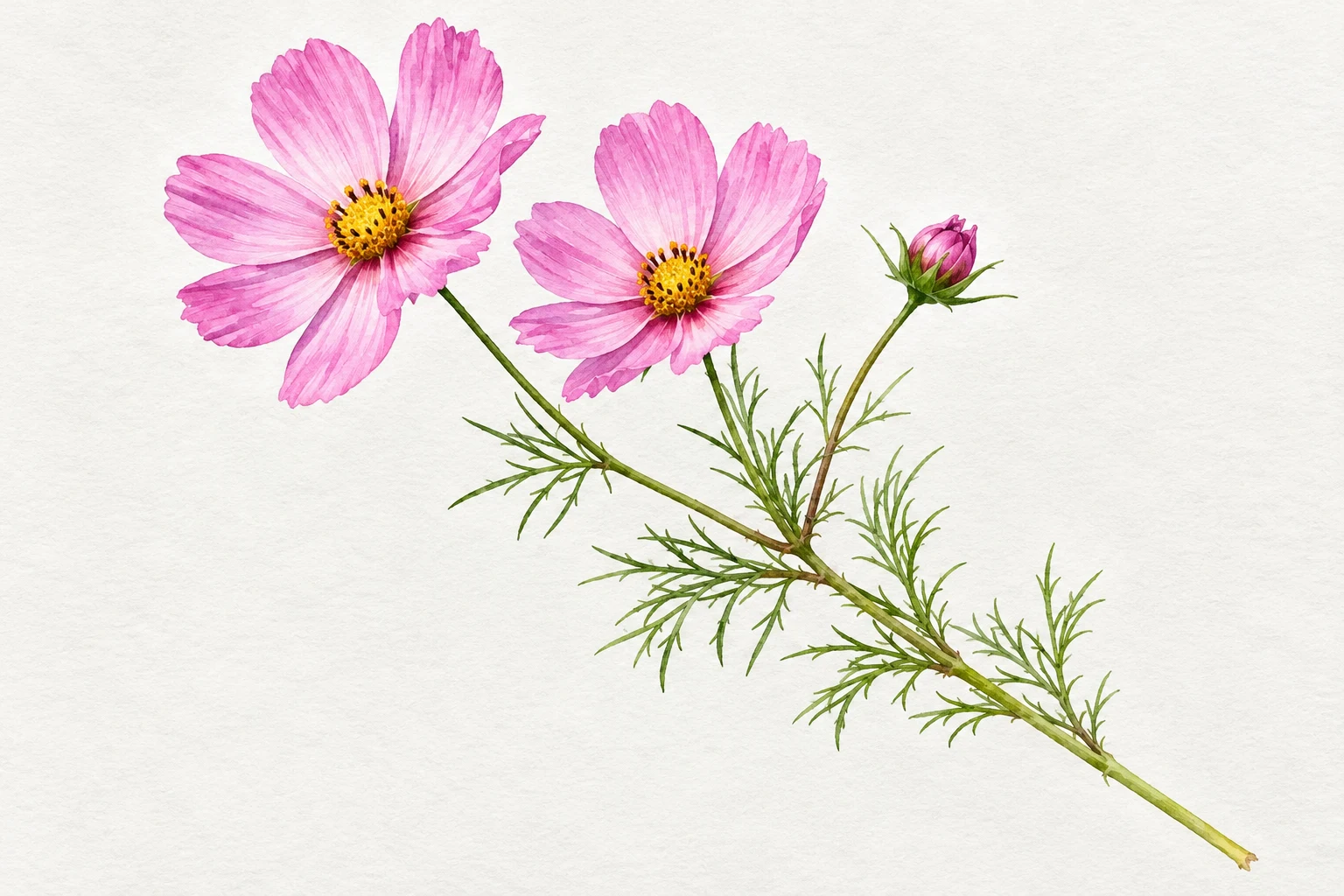
Transparent color, softer edges and visible paper texture give portraits, pets, places and flowers a lighter painted treatment.
Soft washes and paper texture for an all-round watercolor look.
Fine plant details and natural colors for flowers and leaves.
Flowing color and softened edges around the subject.
Saturated washes for lively streets and travel scenes.
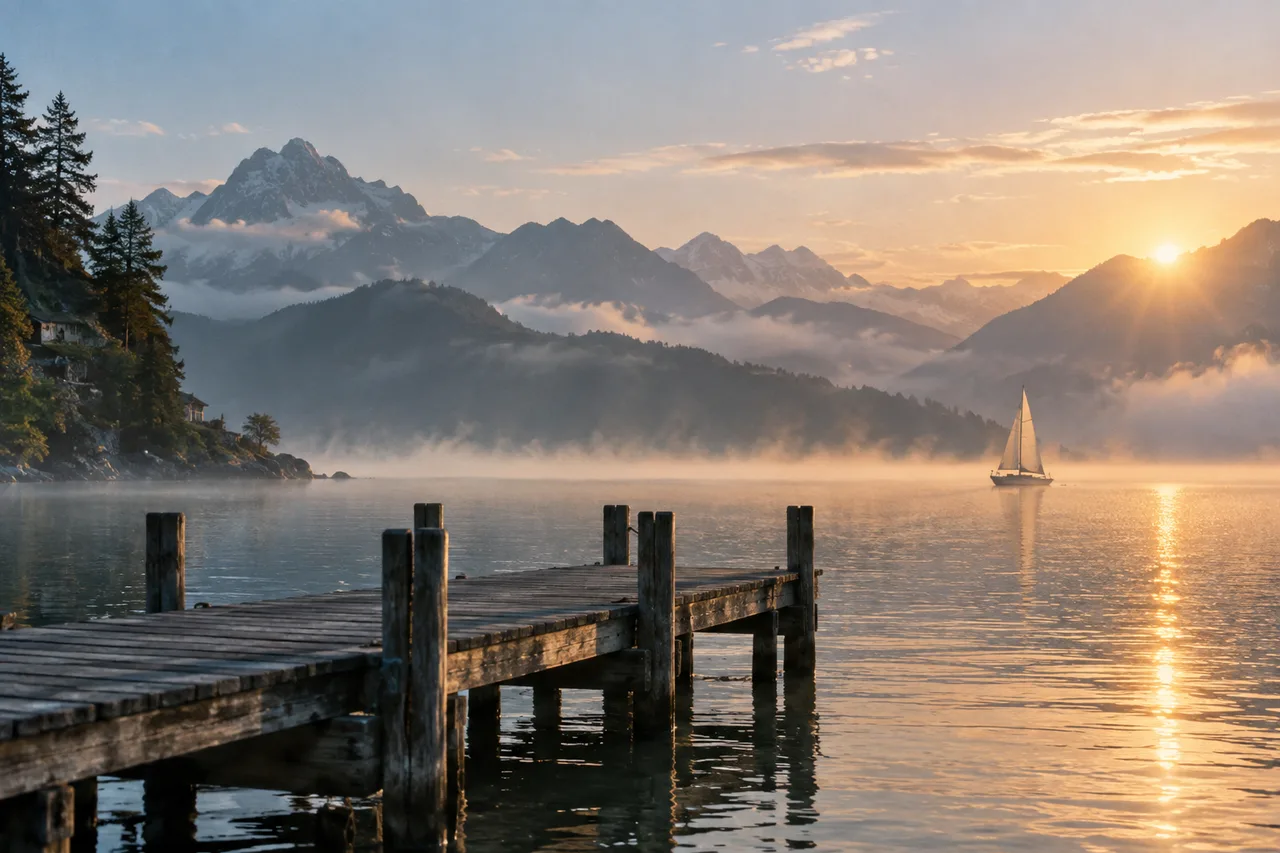
Both paintings start with the same mountain lake photo. Landscape Oil emphasizes broad strokes and warm light; Van Gogh adds swirling marks and stronger blue-yellow contrasts.
Different subjects benefit from different treatments. These examples pair each result with the source used to create it.
Turn a personal photo into an illustration for a profile or digital keepsake. A clear face and balanced light give the model more detail to work with.
Try a gentler treatment for a favorite pet photo. Keep the eyes, ears and coat markings visible, then review those distinctive details in the result.
Bring color and atmosphere to a travel journal or digital postcard. Wide views leave room for both the place and the people in it.
Create delicate floral illustrations for a personal journal or digital card. A complete stem and an uncluttered background help keep the plant readable.
AI painting reinterprets a photo: likeness, fine lettering and background details can change. The flower reference is AI-generated. Examples illustrate styles, not an identical result for every upload.
Upload a JPG, PNG or WebP up to 10 MB. Keep the face, pet or main subject in focus and leave room around important details.
Select oil or watercolor and a style. Match the output ratio to your photo; optional instructions can refine the mood or colors.
Check the credit estimate, generate, then inspect and download your result. Another attempt or style creates a new generation.
The model is instructed to follow the supplied subject, pose and setting while repainting the image. It can still change small details or facial features.
Compare thick oil strokes, dramatic shadow, translucent washes and botanical detail. These are AI interpretations of painting media, not physical paintings.
Each preset supplies its own painting instructions. You can add a preference in Advanced without writing a full prompt.
Choose 1K, 2K or 4K in More settings. Pixel dimensions depend on the aspect ratio; the credit estimate updates before generation.
Upload a photo in the tool above, select an oil painting or watercolor preset, choose an aspect ratio and generate. Review the result before downloading. You need to sign in and have enough credits to generate.
Oil painting styles emphasize canvas texture, layered brushwork, rich color and shadow. Watercolor styles emphasize translucent washes, softer edges and paper texture. Compare the examples and choose the treatment that suits your subject.
There are seven oil styles: Classical Oil, Portrait Oil, Landscape Oil, Palette Knife, Baroque Drama, Van Gogh and Photorealistic Oil. The four watercolor styles are Classic Watercolor, Botanical, Loose Wash and Vivid Watercolor.
Yes. Use Portrait Oil or Loose Wash for a portrait, Classic Watercolor for a pet, Landscape Oil for scenery or Vivid Watercolor for a travel photo. Botanical is intended for flowers and plants. Results depend on the source image and should be reviewed.
No. The model is instructed to retain the subject and composition, but AI painting can alter facial features, markings, objects and small text. Use a sharp source photo and inspect details that matter to you.
You can browse all examples and styles without generating. Creating a painting uses credits, and the tool displays an estimate before you submit. Check the pricing page for available plans. Each new generation uses credits.
No. Selecting a style supplies the painting instructions. Advanced contains an optional prompt for preferences such as a softer palette or stronger shadows.
Upload JPG, PNG or WebP up to 10 MB. Choose 1K, 2K or 4K in More settings. Exact pixel dimensions depend on the selected aspect ratio; check the downloaded file.
Check the actual pixel dimensions, fine detail and your printer’s requirements for the intended print size. An output tier alone does not guarantee large-format print quality.
Processing time varies with the service load and selected model. The tool shows progress while the task runs. Keep the page open until you can review and download the result.
See credit packages and photo generation rates on the pricing page.
Start with a photo you love. Choose the brushwork that suits it.