
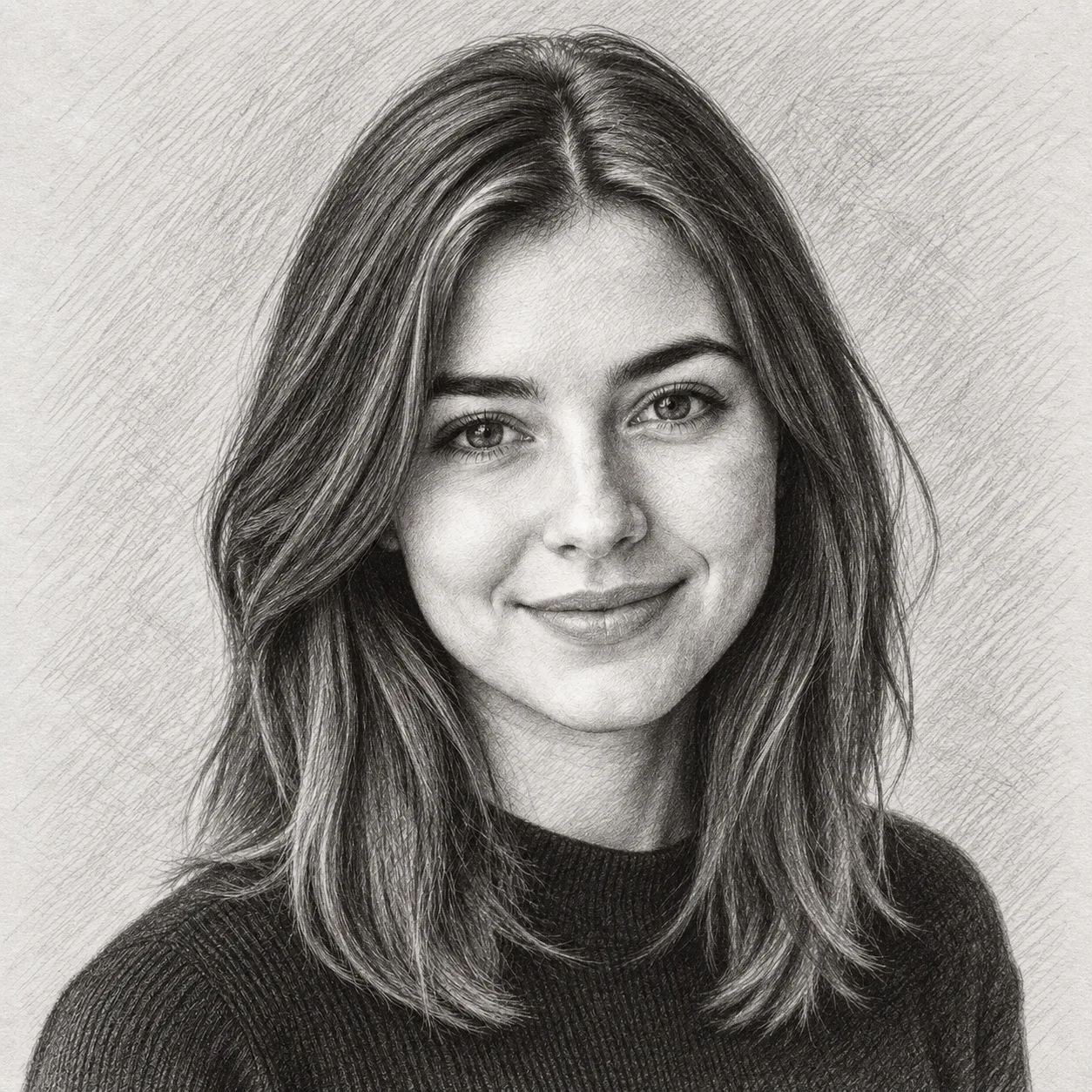
Style example · 8 effects
Hand-Drawn Sketch
Turn photos into pencil, charcoal and ink artwork.
Explore effectsUpload a photo, pick an effect you like, and start converting.
Sketch
Example effect · Drag to compare photos. Your own result is created after you generate.
Your photo is uploaded only when you generate.
Upload a photo first — or tap an example to try.
A new generation or version uses credits. Confirmed failed tasks return their deducted credits; purchase refunds follow the Refund Policy.
Your photos and works are private.
Six ways to transform a photo
From a few pencil lines to a tiny collectible. Explore each collection for more effects and before-and-after examples.
Style example · 8 effects
Turn photos into pencil, charcoal and ink artwork.
Explore effects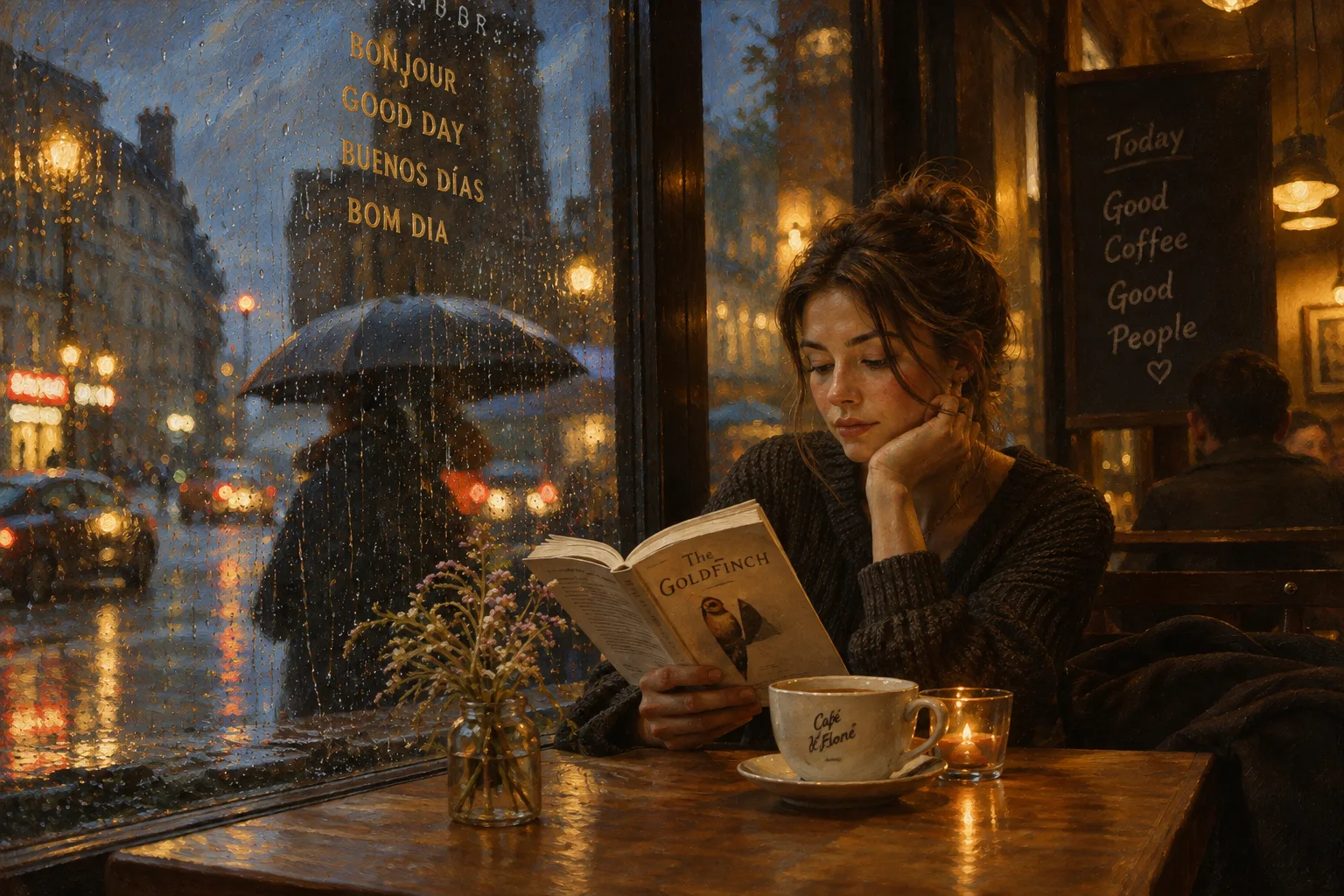
Style example · 11 effects
Oil brushwork and transparent watercolor, in 11 styles.
Explore effects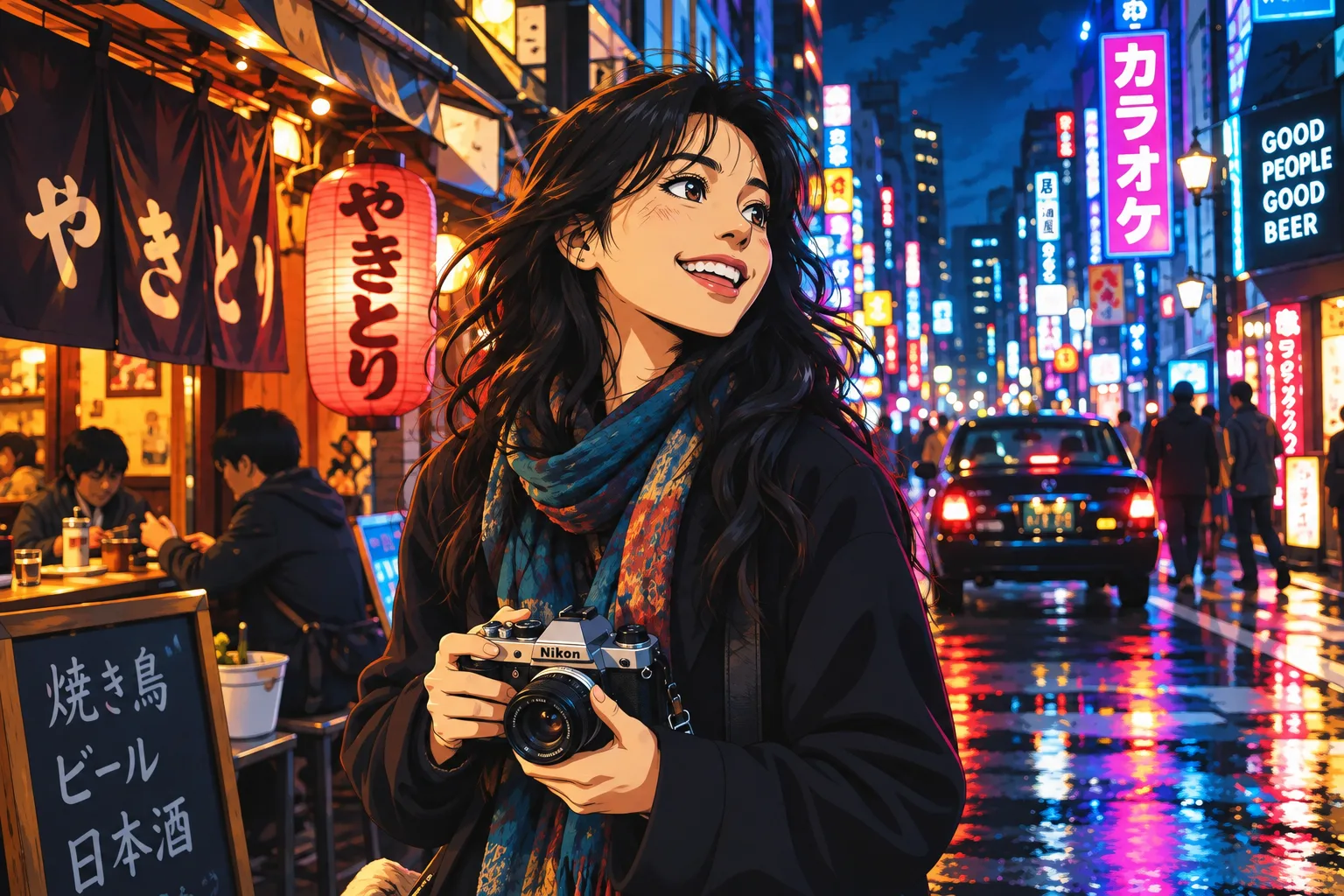
Style example · 8 effects
Japanese animation, manga and Ghibli-inspired looks.
Explore effects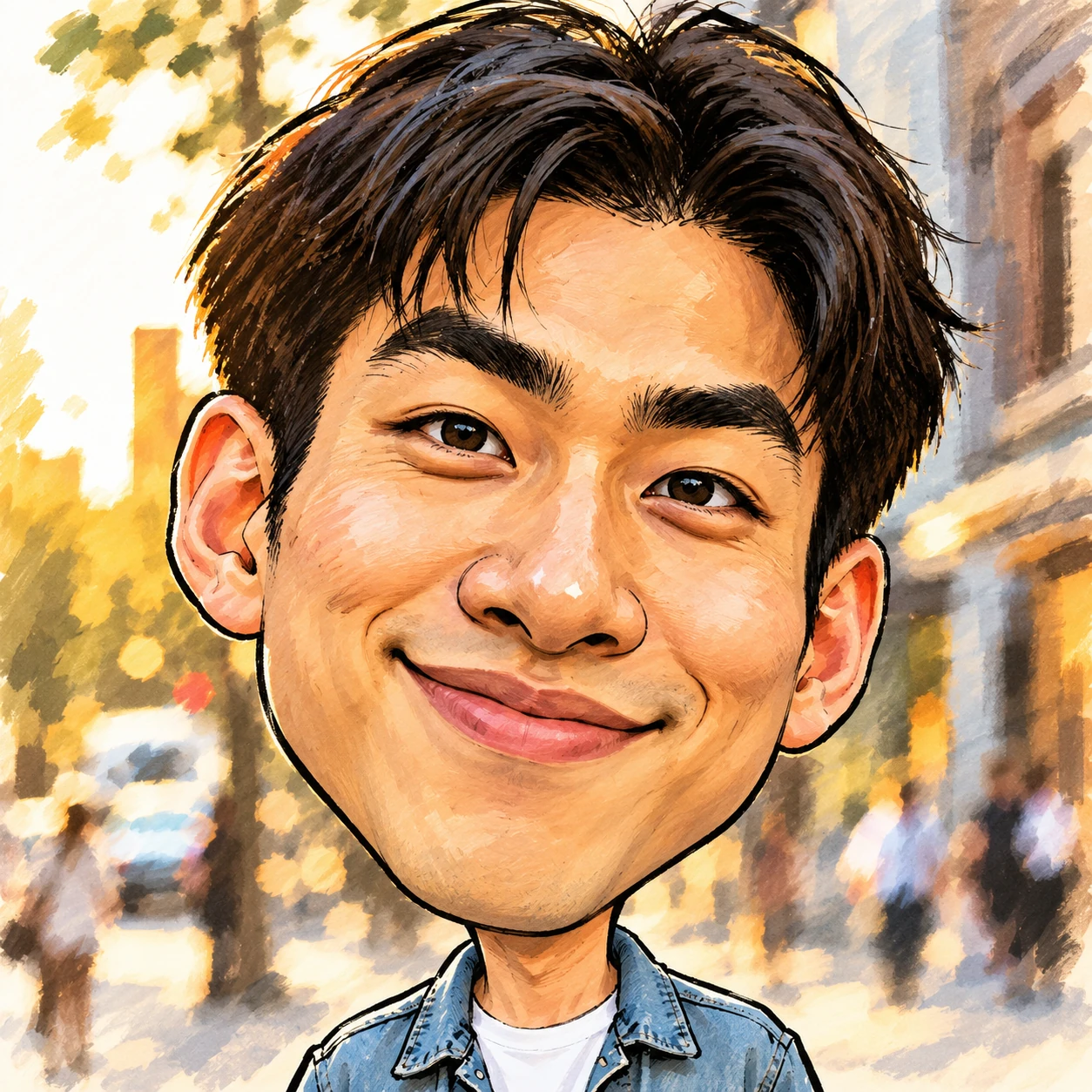
3 effects
Compare classic 2D cartoon, comic book and caricature portraits.
Explore effects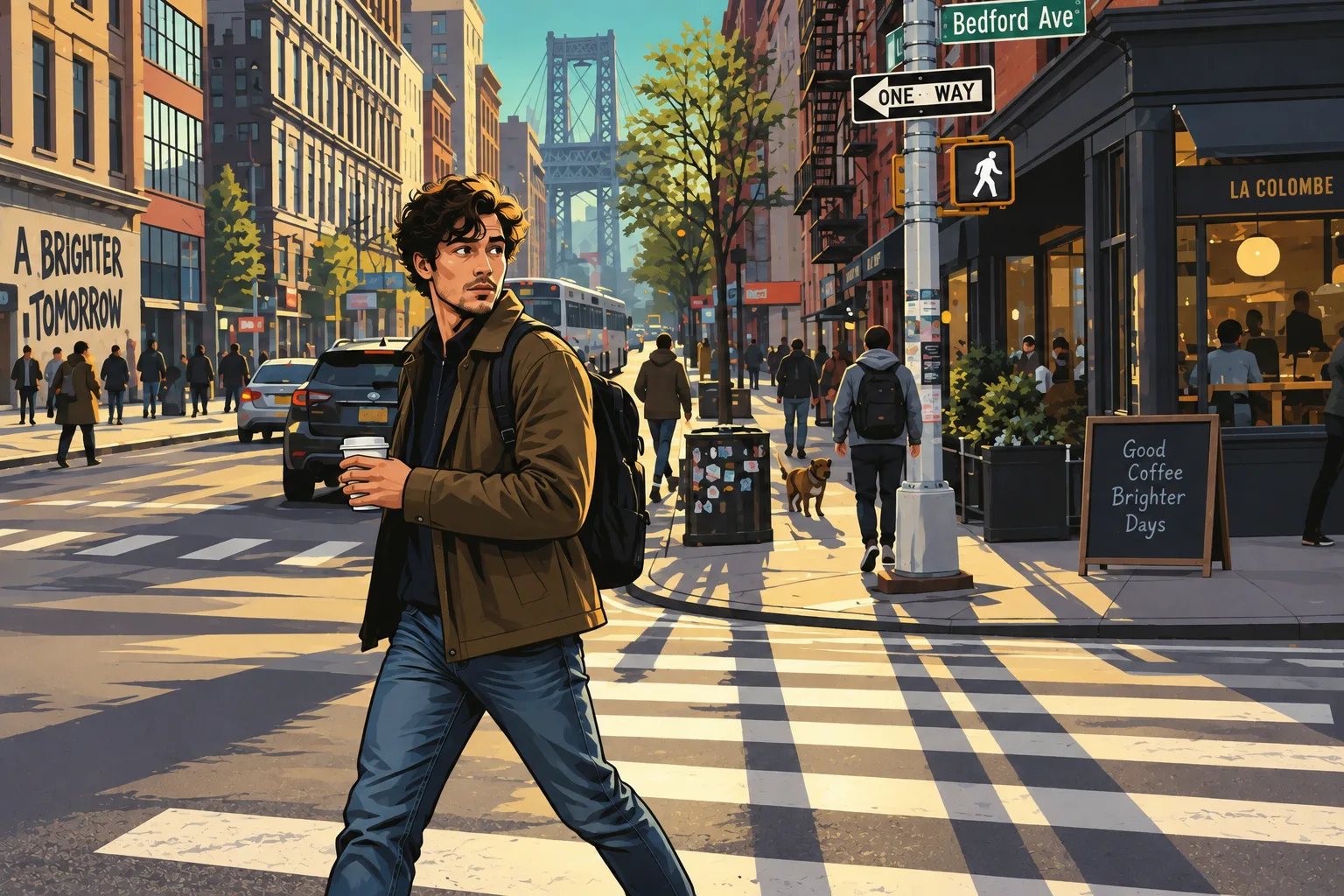
Style example · 8 effects
Eight GTA, PS2, pixel art and block-world looks.
Explore effects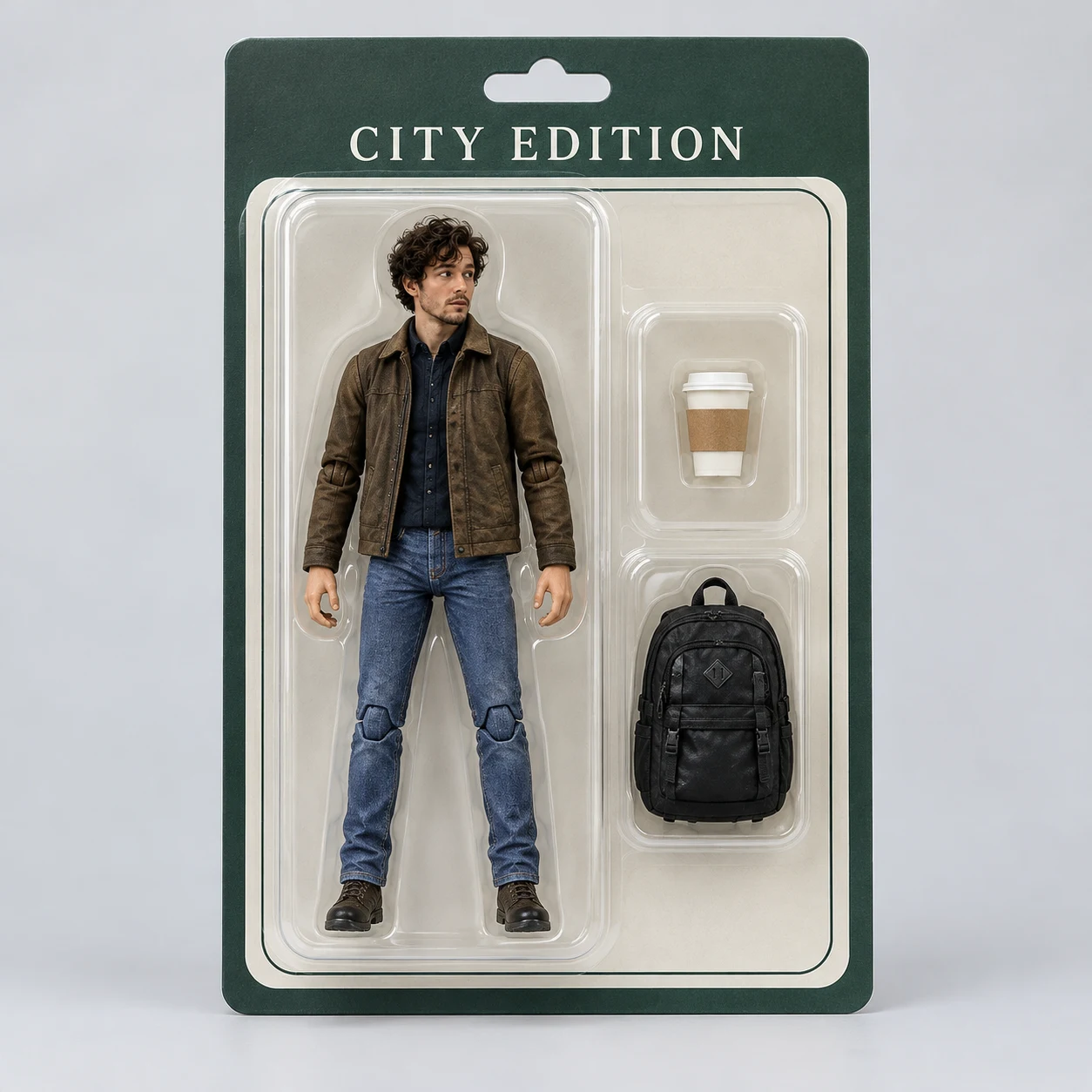
Style example · 3 effects
The people and pets you love, as personal collectibles.
Explore effectsChoose a clear image of a person, a pet or a place. Keep the details you care about in view.
Select a mode and an effect thumbnail. No prompt required; add instructions under More settings if you like.
Check the credit price and start converting. Follow progress, compare the original and download from your work.
Two ways to explore. Compare the art itself, or the character you want to become.
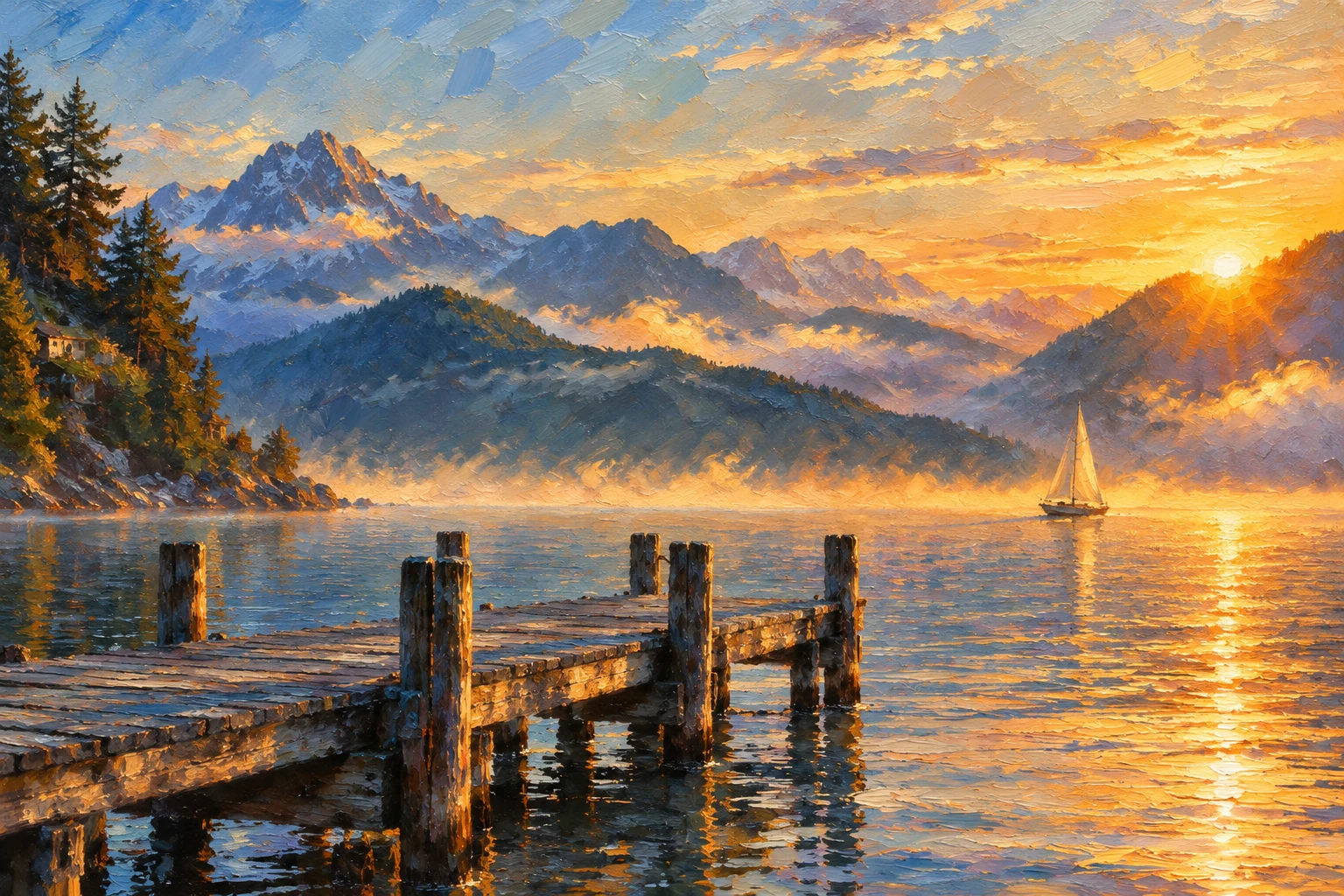
Fine lines or expressive brushwork? Compare sketch, oil and watercolor, and find the right medium for your photo.
Find your art style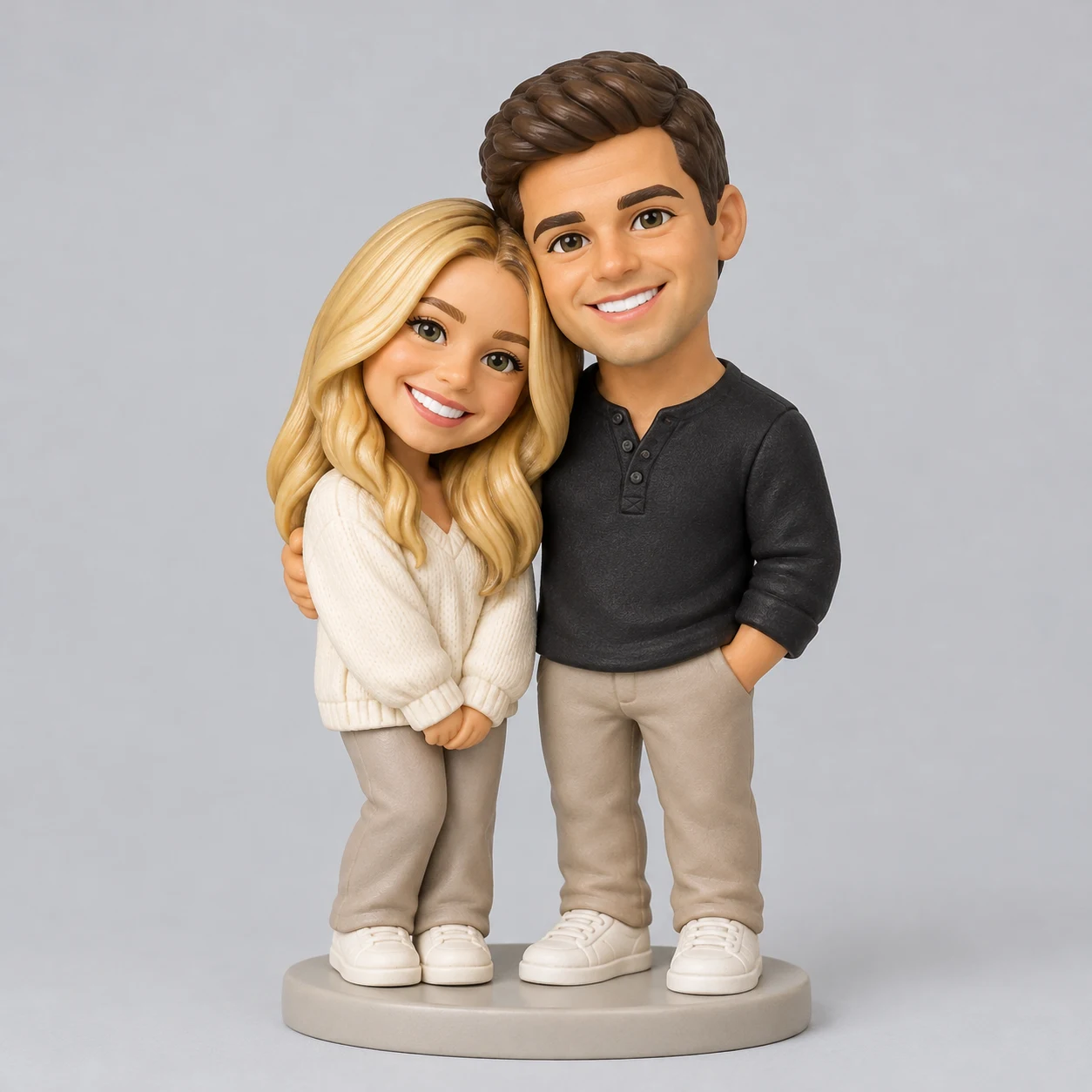
Anime, cartoons, game worlds and collectible toys. See how each changes a familiar face.
Explore character stylesVFilter focuses on turning existing photos into new visual styles: sketch, painting, anime, cartoon, game and toy imagery. It is not a text-only image generator or a replacement for precise image editing.
No. Choose a mode, then click an effect you like. Additional instructions under More settings are optional.
Start with a sharp, well-lit photo. For people and pets, keep the face visible. For paintings and sketches, a clear composition helps. Each style page includes examples of suitable subjects.
Stylization can change small details, facial features, text and backgrounds. Choose a style close to the level of detail you want; a stylized result is not an exact photographic copy.
Yes. Add a photo, choose an enabled effect and check the live credit price. After you sign in with enough credits, Start converting opens your work for progress and downloads.
Pick a look you love and start converting.