
Anime or Cartoon: Choose a Style for Your Photo
Compare anime and cartoon photo styles, understand what can change in a portrait, and choose a clear source photo for your next VFilter creation.
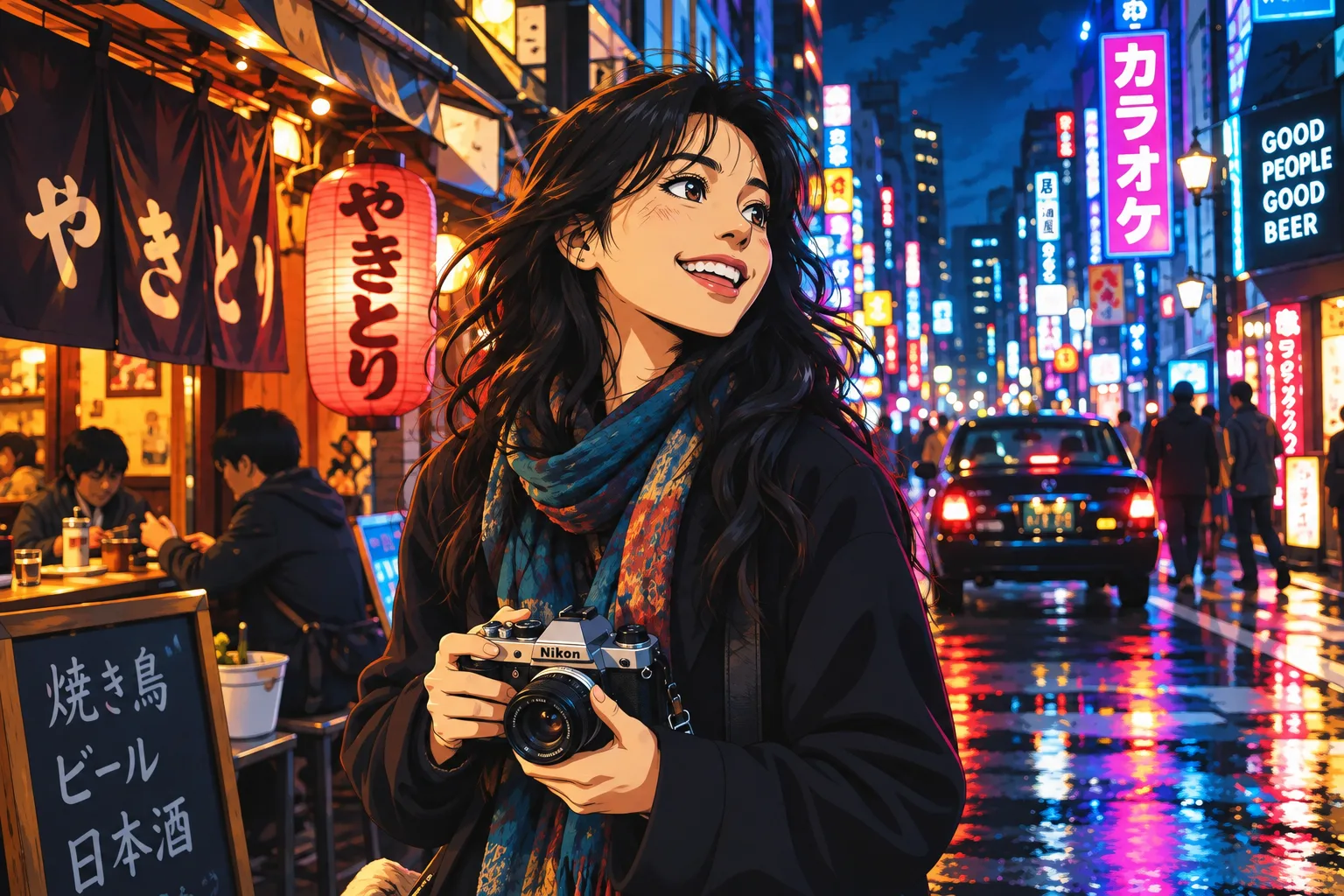
Anime and cartoon effects both turn a photograph into an illustrated image. The useful question is how you want the face, colors and background to change. Compare the examples in each collection before choosing a direction.
Start with the kind of illustration you like
The anime photo creator has eight styles. Browse the portrait and couple examples and look at the eyes, proportions, shading and scenery. A softer illustration and a more expressive character can feel quite different even when both belong to the anime collection.
The cartoon photo creator focuses on three directions: classic cartoon, comic book and caricature. Compare how each treats facial features and outlines. A caricature deliberately exaggerates features, while another cartoon treatment may simplify them instead.
What should you compare in the examples?
- Likeness: look at face shape, hairstyle and expression. Stylization can change all three, so do not expect an exact likeness.
- Composition: check whether the framing and background suit your intended use. A strong portrait crop and a travel scene have different priorities.
- Detail: inspect small features and busy areas. A generated illustration may reinterpret objects rather than preserve each one.
- Mood: choose the colors and treatment that feel right for the photo, rather than relying only on a style label.
The character style guide also compares game-inspired and toy-style images. These are useful alternatives if you want a retro scene or a collectible-like picture instead of a drawn portrait.
Can you use a couple or pet photo?
The anime collection includes multi-person examples, including couples. Begin with a picture in which each person is easy to distinguish. Check the relevant example rather than assuming that an effect shown on one person will preserve everyone equally well.
The cartoon collection currently showcases individual portraits. A pet or a crowded group may produce a less predictable result. For a pet-specific alternative, compare the plush examples in the toy-image creator. These are digital pictures; they are not an order for a physical toy.
Create your version
- Choose a well-lit photo where the subject is clear and faces are not heavily obscured.
- Open the anime or cartoon creator and compare its effects. Upload your photo and choose the style you want to try.
- Review the credit cost before generating. The pricing page explains the available packs and plans.
- Check the finished image at a useful size before downloading. If a feature matters to you, compare it with the original.
For a photo effect, start with the dedicated creator. If you would rather describe an entirely new scene or work with a reference image and a prompt, try the AI image generator. For a traditional drawing or painting, compare sketch, oil and watercolor.